The lost-and-found layer for your products
Put a MyTags QR on what you sell. If your customer loses it, the finder scans the QR and reaches them, without seeing their number. No app to build, no servers, no support desk. We are your technology partner and run it all.
- Reply within one working day
- No setup fee
- Works in any country
 SCAN IF FOUNDPASSPORT
Give your product a selling point others don’t have
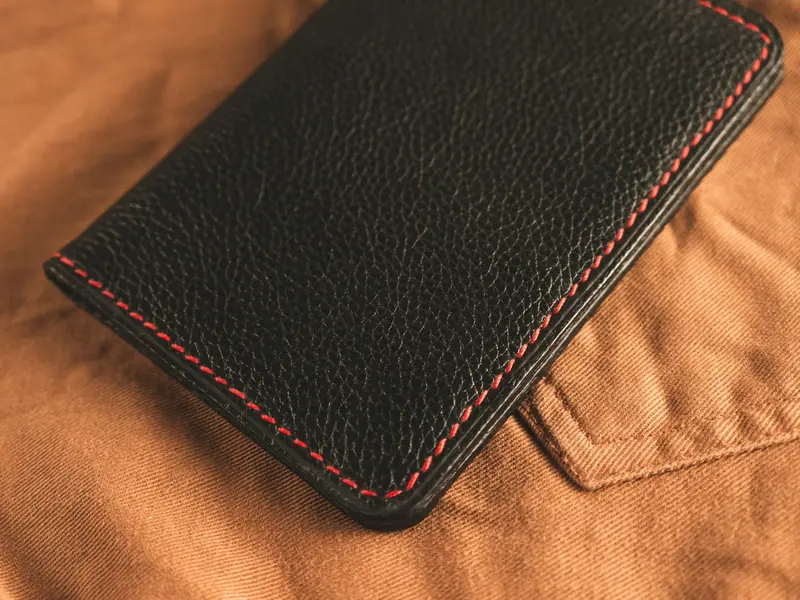
Two passport covers look the same on a shelf. Only one can find its way home. Sell that.
- Stand out on the shelf and online“Lost-and-found built in” is one line on your box and product page that most competitors can’t say.
- Charge for the extra valueA product that protects itself is worth more than one that doesn’t.
- Gifts that mean moreFor corporate and festival orders, “it comes back if you lose it” keeps a gift in use for years.
- Your brand on every returnWhen a lost item comes home, the owner remembers who made it.
A product that still helps them on the worst day of a trip.
From your first order to a returned item.
You add a QR and a card. We do the rest, for as long as the product is in use.
- 01You buy codes.In your partner portal, at your agreed price. Download print-ready QR files (SVG and PNG) for every unit, a CSV of claim codes and a printable PDF, one code per tag.
- Activate your MyTags tagCLAIM CODEK7Q-4MXmytags.io02You add the QR and the claim card.The QR goes on the product: sticker, woven label, hang tag or direct print. Its claim code goes on a small card in the box. Your brand stays in front; a small “Protected by MyTags” mark sits next to the QR.
- Claim a tagMT-7K3Q-9PCode from the card in the boxK7Q–4|03Your customer claims it.They scan the QR, sign in to MyTags and type the claim code from the card. Only the person with the card can activate the tag. It takes under a minute.
- 04Lost? It comes back.A finder scans and messages the owner, who gets an alert at once. Lost Mode, photos and an item or pet profile help the finder. The owner's number is never shown.
If people carry it, they can lose it.
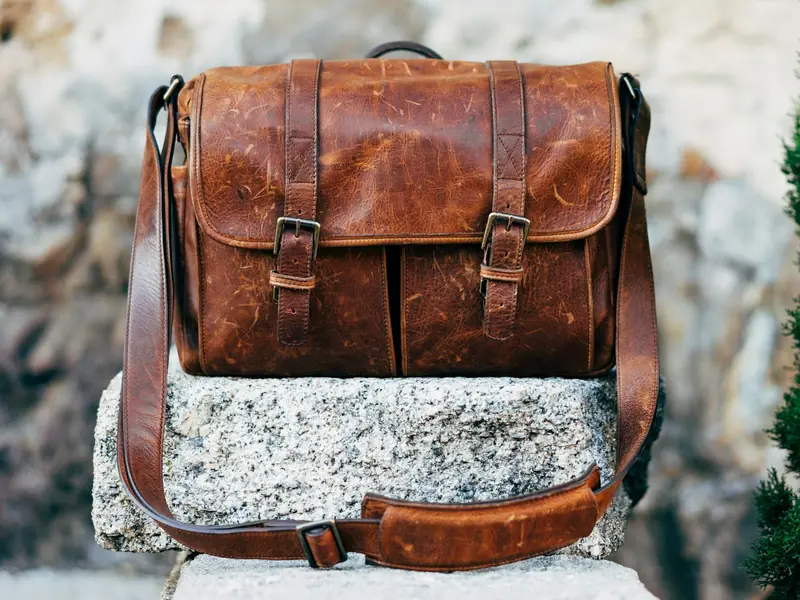
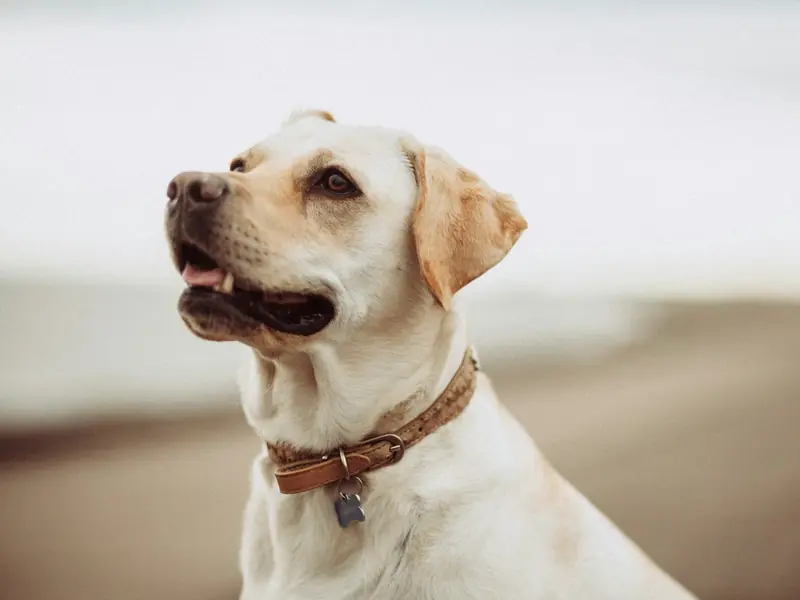


You sell the product. We run the lost-and-found.
Most brands can’t build a finder page, alerts, apps and privacy for one feature. You don’t have to.
- Print our QR on your product or hang tag
- Put the claim card in the box
- Sell under your own brand, online or in stores
 MyTags does
- The finder page: opens in any phone camera, no app needed
- Owner alerts by push and email, and replies in the app
- Apps for owners on iPhone, Android and the web
- Lost Mode, lost posters and the owner’s privacy
- Owner support, for as long as the product is in use
Create codes from your own shop or ERP, and get events such as “tag claimed” and “item found” in your systems. Tell us if you want early access.
Everything your packing line needs. Nothing to build.
- Your own partner portal: buy codes when you need them, at your agreed price, and download them in minutes.
- A unique QR (SVG and PNG) and a unique claim code for every unit, a CSV for your manufacturer and a printable PDF sheet. No duplicates.
- See which codes your customers have claimed, and when. Never who claimed them.
- A brand kit: the “Powered by MyTags” badge, logos, a QR print guide, a claim card template and product listing text.
MT-7K3Q-9PSCAN IF FOUNDMT-7K3R-2XSCAN IF FOUNDMT-7K3S-H4SCAN IF FOUNDMT-7K3T-6NSCAN IF FOUNDMT-7K3U-C8SCAN IF FOUNDMT-7K3V-RWSCAN IF FOUNDA product that keeps working after the sale.
Every return is a story your customer tells.
Volume pricing, built around your order
Tell us what you sell and how many units a month. We send a quote within one working day.
What is a claim code?
A 6-character code on the card in the box, like K7Q-4MX. It proves the buyer owns the tag, so nobody else can activate it, even if they scan the QR in a shop. Too many wrong codes lock the account for the day.
What if my customer loses the claim card?
They contact MyTags support with proof of purchase. We issue a new code for that tag.
What does a finder see before the tag is claimed?
“This tag isn’t set up yet.” No owner data.
What does the finder see after that?
Only what the owner chooses to show. Never the phone number.
Who owns the customer’s data?
The owner. MyTags never sells it. The brand does not get the owner’s contact details through MyTags.
Does my customer need to pay anything?
No. The tag works with the free MyTags app on iPhone, Android and the web.
Can the QR carry my brand?
Your product and packaging are yours. The QR area follows our artwork guide so every finder can scan it.
Can I say “Protected by MyTags” on my listings?
Yes. Once you are a partner, use the badge and the listing text from your marketing kit on your packaging, product pages and marketplace listings.
What if we stop the partnership?
Codes already sold keep working.
Do we need developers or an app?
No. You print the QR and put the claim card in the box. MyTags runs the finder page, alerts, apps and support.
Do you have an API or webhooks?
They are coming soon: create codes from your own systems, and get events such as “tag claimed”. Until then, you buy and download codes in your partner portal. Tell us if you want early access.